 Karsten Silz
 Small Business VAT Exemption (§ 19 UStG): Correct Invoices and Website, Automatically
Are you renting out as a small business under § 19 UStG? Then the portal automatically adds the small business notice to your invoices and your website. You set your status in a few clicks. Here is how it works – and what you should know first.
You rent out a holiday apartment. Your invoices show no VAT. Until now, that meant manual work with us. Not anymore.
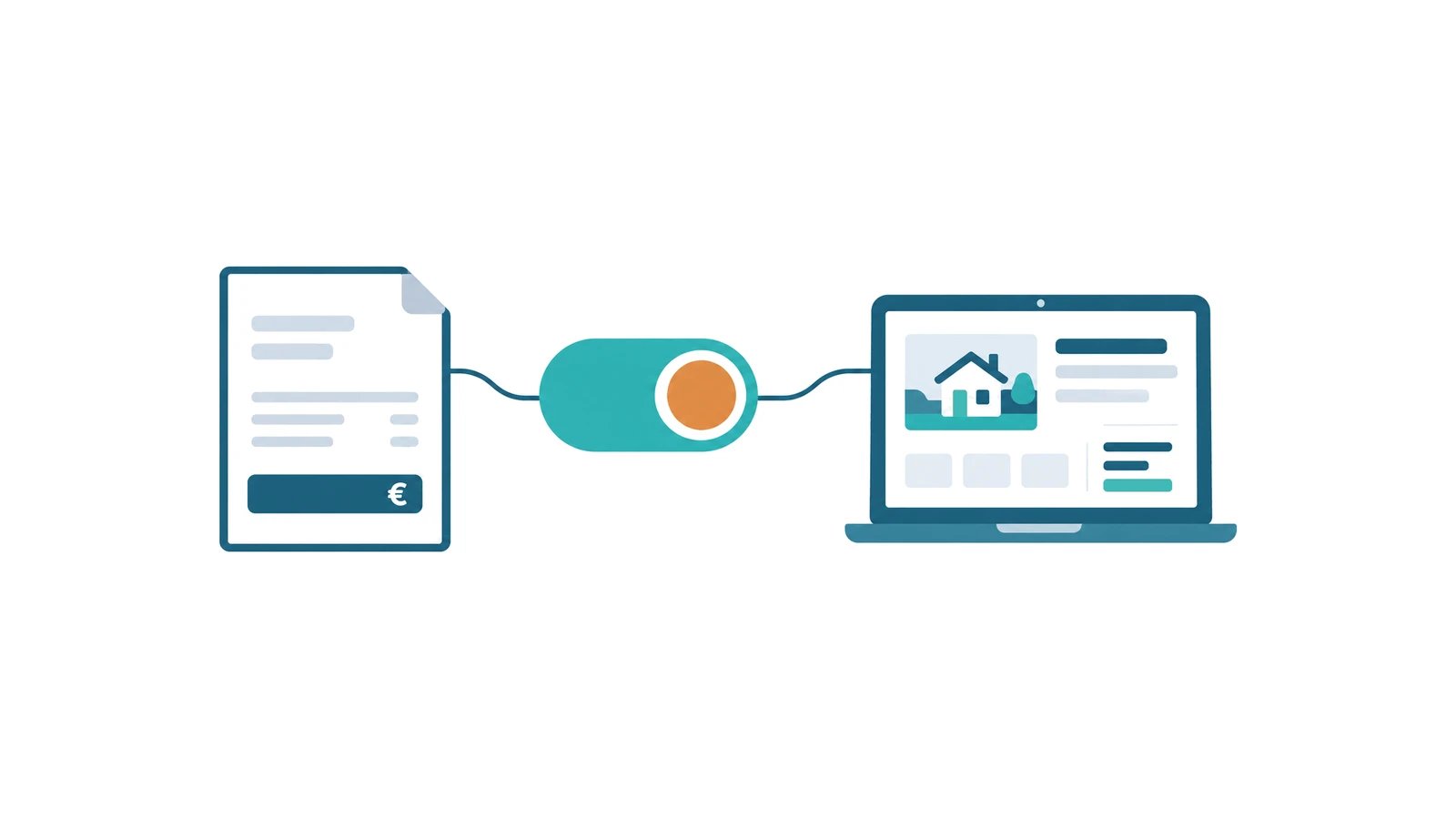
From now on, the host portal knows your VAT status. You tell us once. Your invoices and your website follow automatically.
Before we start: We do not provide tax advice. We do not check whether you meet the requirements of the small business scheme, and we do not assess individual cases. Please clarify with your tax advisor whether the small business scheme applies to you. We only make sure that your decision is implemented correctly in your invoices and on your website.
What the small business scheme is
The small business scheme (Kleinunternehmerregelung) under § 19 of the German VAT Act (UStG) is a special VAT rule for businesses with a certain turnover. If the legal requirements are met, the turnover in question is VAT-exempt. Since 1 January 2025, the following turnover thresholds generally apply (as of 2025): total turnover must not have exceeded €25,000 in the previous calendar year and must not exceed €100,000 in the current calendar year. Whether the scheme applies in your specific case depends on your individual tax situation.
What this means in practice:
- You do not show VAT separately on your invoices to your guests.
- As a rule, you cannot deduct input VAT on the goods and services you buy.
- Special, simplified VAT rules apply. Certain filing obligations under § 18 UStG no longer apply if the requirements of § 19 UStG are met. Other tax obligations remain.
- Your invoice must contain a note stating that the small business VAT exemption applies to the service. § 34a of the German VAT Implementing Regulation (UStDV) does not prescribe specific wording, but it does require such a note.
Whether the scheme suits you depends on your situation. The turnover thresholds and other requirements are set by law. Ask your tax advisor. That is the only honest answer – and the only one we can give you.
What we now handle for you
You store your status in one place. Everything else happens automatically.
Invoices without VAT
If you are registered as a small business, the net and VAT lines disappear completely. In the invoice view, in the invoice form, and in the PDF for your guest. Only the total amount remains.
The columns are gone too – not hidden, but removed. In the detail view, the column „MwSt %" (VAT %); in the invoice form, „USt %" and „USt €" (VAT % and VAT €). No empty columns, no zeros, no guesswork.
Instead, every invoice contains the small business notice. It stays in German, because German law requires it on the invoice:
Gemäß § 19 UStG wird keine Umsatzsteuer berechnet.
In English: "No VAT is charged in accordance with § 19 UStG."
You do not have to type it. It is just there.
Your website with the right notice
On your published host website, the § 19 notice replaces the VAT notice. Wherever prices are shown.
The German version of your website shows this sentence:
Aufgrund der Anwendung der Kleinunternehmerregelung gemäß § 19 UStG wird keine Umsatzsteuer berechnet und daher auch nicht gesondert ausgewiesen.
In English: "Because the small business scheme under § 19 UStG applies, no VAT is charged and therefore none is shown separately."
The English version of your website shows:
As a small business eligible for the VAT exemption under Section 19 of the German VAT Act (UStG), no VAT is charged or shown separately.
The short addition „(inkl. gesetzlicher MwSt.)" (incl. statutory VAT) directly after a price is dropped. Every apartment card gets its own § 19 line – where the VAT notice used to be.
One thing still matters: on your website, you must show prices to consumers as total prices. The German Price Indication Ordinance (Preisangabenverordnung) generally requires the total price.
Your status at a glance
Under Konto → Meine Daten (Account → My details), the card „Umsatzsteuer" (VAT) shows a badge: Kleinunternehmer (small business), Umsatzsteuerpflichtig (subject to VAT) or Einordnung fehlt (classification missing). Below it, a short paragraph explains exactly this state.
One look is enough. You never have to dig around to find out what you set back then.
History: who changed what and when
The history lives somewhere else. Under Konto → Rechtliches (Account → Legal), you find the card „Umsatzsteuer-Status" (VAT status). It lists every change with its date and time, newest first. Plus the confirmations you gave at the time.
Handy when your tax advisor asks since when which status has applied.
Independent of your plan
The small-business tax mode is not a paid extra. It is available on every plan – including the free trial.
A correct invoice is not an add-on. It is a legal requirement.
How to switch
The portal has two ways to do this. They are different, and that is on purpose.
Option 1: Change your status
Use this option when your status really changes.
- Open Konto → Meine Daten (Account → My details).
- Find the card „Umsatzsteuer" (VAT).
- Use the toggle next to your current status.
A dialog opens with the title „Umsatzsteuer-Status ändern: Kleinunternehmer nach § 19 UStG" (Change VAT status: small business under § 19 UStG) – or „Umsatzsteuer-Status ändern: umsatzsteuerpflichtig" (Change VAT status: subject to VAT), depending on the direction.
The dialog lists what applies to newly created invoices from this change onwards. And it makes one thing clear:
Bereits versendete Rechnungen bleiben unverändert. Ihre hinterlegten Preise ändern sich nicht — nur die steuerliche Behandlung und die Hinweistexte.
In English: "Invoices already sent stay unchanged. Your saved prices do not change — only the tax treatment and the notice texts."
Then it asks you to tick two boxes:
- „Ich habe diese Änderung mit meinem Steuerberater besprochen." (I have discussed this change with my tax advisor.)
- „Mir ist bewusst, dass ich rechtlich dafür verantwortlich bin, meine Preise auf meiner Website und in meinen Rechnungen korrekt auszuweisen." (I am aware that I am legally responsible for showing my prices correctly on my website and in my invoices.)
Only when both boxes are ticked does the „Status ändern" (Change status) button become active. That is on purpose. A status change can have tax consequences. We want to be sure you know that.
Option 2: Confirm your classification
You only see this option if you have never actively answered the question about your tax classification – for example, because you skipped it during setup. If you have classified yourself before, you do not see this button.
In that case, the same card shows a separate button: „Einordnung bestätigen" (Confirm classification). It records the status currently stored for you. It does not change it.
The dialog for it is called „Steuerliche Einordnung bestätigen: …" (Confirm tax classification: …) and says it clearly:
Sie halten fest, dass dieser Status für Sie zutrifft. Es ändert sich nichts — weder an Ihren Preisen noch an Ihren Rechnungen oder Ihrer Website. Danach können Sie wieder Rechnungen erstellen und Ihre Website aktualisieren. Möchten Sie den anderen Status, nutzen Sie stattdessen den Schalter.
In English: "You confirm that this status applies to you. Nothing changes — not your prices, not your invoices, not your website. Afterwards, you can create invoices and update your website again. If you want the other status, use the toggle instead."
Here, too, you tick two boxes – worded differently from the status change:
- „Ich habe meine steuerliche Einordnung mit meinem Steuerberater abgesprochen." (I have agreed my tax classification with my tax advisor.)
- „Ich bin mir bewusst, dass ich rechtlich dafür verantwortlich bin, meine Preise auf meiner Website und in meinen Rechnungen korrekt auszuweisen." (I am aware that I am legally responsible for showing my prices correctly on my website and in my invoices.)
Here, the button is simply called „Bestätigen" (Confirm).
In short: the toggle changes something. The button only records what already applies.
And if you want to know more: the link „Mehr dazu in der Hilfe" (More in the help section) on the same card takes you to the matching help article.
Three points that surprise many hosts
Read this part carefully.
1. Your prices never change automatically.
We do not recalculate anything. Your saved price stays exactly as it is – before and after. Only the tax treatment and the notice texts change.
You decide whether your price is still right after the switch. Adjust it yourself if needed.
2. Invoices already issued never change retroactively.
Every issued invoice stays unchanged. What you have already created and sent stays unchanged – including the PDF. Only new invoices and drafts not yet issued follow the new status.
That is a good thing. An issued invoice that changes afterwards because of an account setting would be a real problem.
3. Your website shows the new notice only after your next publish.
The switch does not show on your website right away. Your website is a finished, built page. The new notice appears the next time you publish.
So: switch, then publish. Then everything fits.
And one more thing: you maintain your status in exactly one place. There is no second toggle you could miss.
Your MeineFeWoSeite subscription remains subject to VAT
Many people mix this up.
Your small business status concerns your turnover with your guests. It has no effect on the VAT treatment of our subscription fee.
We continue to charge the statutory VAT on your MeineFeWoSeite subscription.
What happens if you do not classify yourself
Without a tax classification, we do not know what your invoices should look like. So we do not guess.
As long as this information is missing, you cannot create, edit, or send invoices. Instead of the form, you see a card with the heading „Steuerliche Einordnung fehlt" (Tax classification missing) and the way to fix it.
You publish your website for the first time as usual. For that, we assume you are subject to VAT: your prices show the VAT notice. Every further publish waits until you have classified yourself.
That sounds strict. It is meant as protection. An invoice with incorrect VAT or a wrong tax notice costs you more time later than one click today.
So you do not have to search: a notice in the portal and a one-time notification via the bell show you the way to Konto → Meine Daten (Account → My details). There, you add the information via the button „Einordnung bestätigen" (Confirm classification) or via the toggle.
And don't worry: if you consciously answered the question with "No", you are already classified. A conscious "No" never counts as missing information.
Summary
- If the legal requirements are met, the small business scheme under § 19 UStG means: your turnover is VAT-exempt, you do not show VAT separately, and as a rule you cannot deduct input VAT.
- Since 1 January 2025, turnover thresholds of generally €25,000 in the previous and €100,000 in the current calendar year apply (as of 2025). Please clarify with your tax advisor whether the scheme applies to you.
- The portal now knows your status. Your invoices and your website follow automatically – including the required small business notice.
- You change your status under Konto → Meine Daten (Account → My details) on the card „Umsatzsteuer" (VAT) with the toggle. Two confirmations, then „Status ändern" (Change status).
- If you have never actively answered the question, catch up with „Einordnung bestätigen" (Confirm classification). Nothing changes when you do.
- Your prices never change automatically. Invoices already issued stay unchanged. Your website shows the new notice from your next publish onwards.
- Your MeineFeWoSeite subscription continues to be billed with statutory VAT. The small business scheme only concerns your own turnover, not our subscription fee.
- The small-business tax mode is available on every plan – including the free trial.
- We do not provide tax advice. We do not check whether you meet the requirements of the small business scheme. Please clarify with your tax advisor whether the status suits you.
You take care of your guests. We make sure your invoices and your website correctly reflect the tax classification you have stored.