 Karsten Silz
 New Reports: See How Your Holiday Apartment Is Really Doing
Nine key figures at a glance, clearer terms for buildings and holiday apartments, better mobile handling. What the new release brings for hosts.
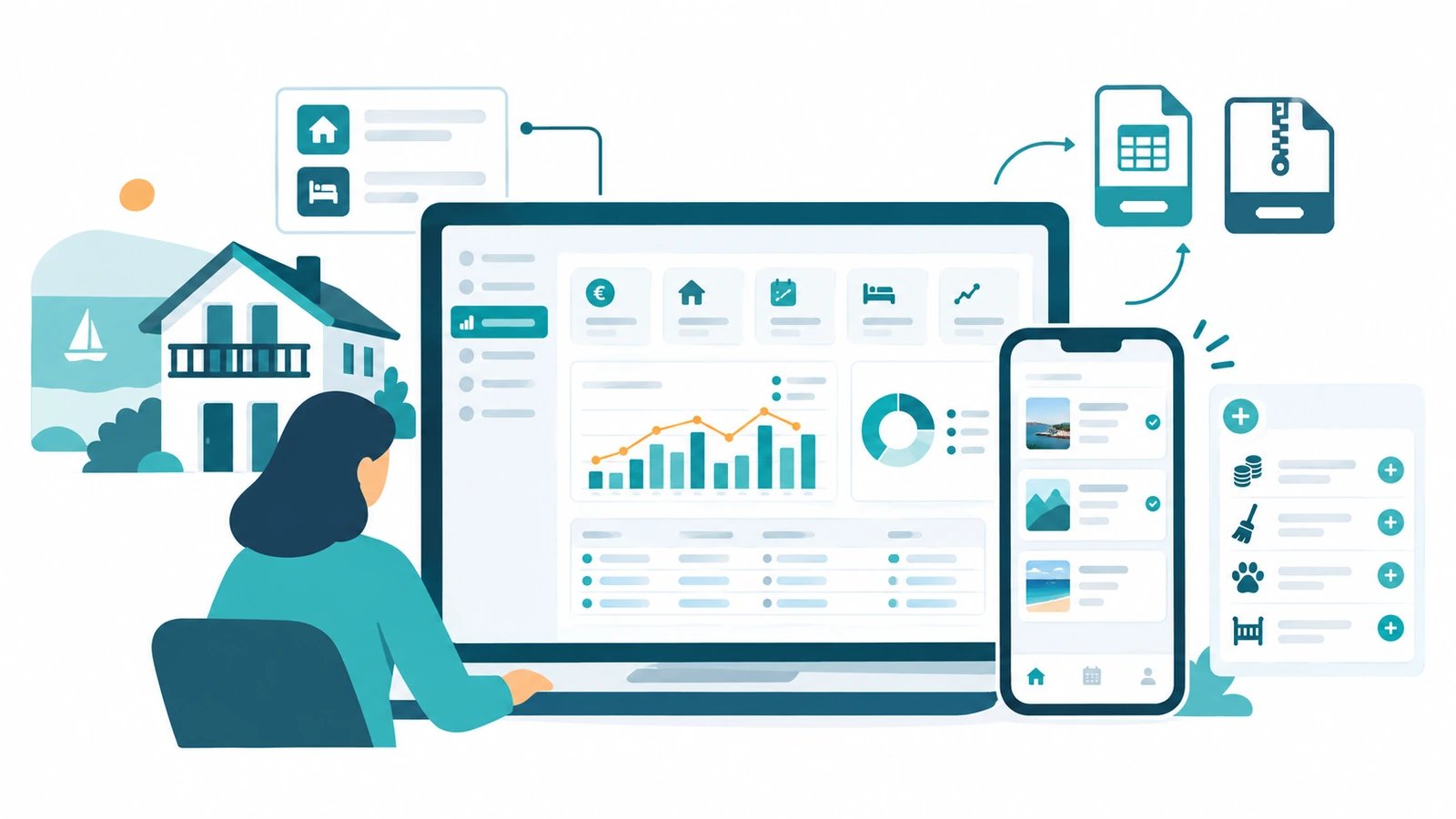
A new release went live in early August. Much of it comes straight from your feedback. The biggest change: you can now see at a glance how well your holiday apartment is doing. On top of that, the portal now uses clearer terms, and it works better on your phone. Here's what's changing.
New: Reports
How much revenue did you make last quarter? How full was your apartment? Are your guests staying longer than last year? Until now, that meant gathering the numbers yourself and doing the maths.
Not any more. The new "Reports" menu item shows you nine key figures:
- Gross revenue
- Net revenue
- Occupancy rate
- Number of bookings
- Average length of stay
- Cancellation rate
- Average price per night
- Occupied nights
- Revenue per available night
You choose the time period: month, quarter, year, or a custom range. You decide how the figures are grouped — by apartment, by building, or overall. Tick "Year-over-year comparison", and you immediately see whether things are going better than the year before. A chart shows revenue and occupancy rate month by month.
A word on honesty: where a figure can't be calculated, it shows "n/a". Never a made-up zero.
Reports are part of the Premium plan. On the Standard plan, you see a preview with the note "Premium content: not included in the Standard plan." One more note: Reports are currently desktop-only, not in the mobile navigation. The tables need room.
Your Numbers Belong to You
Need the numbers for your bookkeeping or your tax advisor? One click on "CSV", and you have the table as a file. Open it in Excel, in Numbers, or in LibreOffice — whatever you use.
Separately, the complete data export is still there. Under "Account", click "Export my data" to download everything as a ZIP: bookings, guests, invoices, check-in data, notes, and your master data.
Two tools, two purposes. The CSV for a quick analysis. The ZIP when you really want everything. Either way: it's your data, and you can access it any time.
Explained More Clearly: Building and Holiday Apartment
One point kept coming up in your feedback: what's actually the difference between a building and a holiday apartment? And why do I have to set up both?
The answer is simple — we just hadn't explained it well enough. The building is your house. The holiday apartments inside it are what you rent out individually. A building can hold a single apartment or up to five.
Now you can see this in the portal too. New "Building" and "Holiday apartment" labels show you everywhere exactly what you're looking at. Wherever it fits, the explanation comes with it: "Every holiday apartment belongs to a building. The building is your house — the holiday apartments inside it are what you rent out individually."
The setup wizard now also clearly states what comes next: "The building is your house or your property. You set up the individual holiday apartments inside it in the next step."
And the overview counts for you — for example, "3 holiday apartments in 'Haus Seeblick'". A small side effect: some buildings used to show a raw "MEHRFAMILIENHAUS" as a subtitle. Now it shows readable text there.
Also: Better on Mobile
Many of you use the portal on the go. So we cleaned things up:
- Dialogs now scroll everywhere. On small screens, the bottom edge of some dialogs used to be cut off — the Save button was out of reach. That's fixed.
- Booking history as cards. On the guest page, you now see bookings on your phone as clear cards instead of a squeezed table.
- Header down to 320 pixels. Even on very narrow devices, nothing slides out of view any more.
By the Way: Extra Services in One Click
This isn't new — but many of you don't know about it yet. In the Prices tab of your holiday apartment and in the setup wizard, you'll find the "Quick add:" bar with four ready-made templates:
- + Tourist tax — per person and night, 0% VAT as a pass-through item
- + Final cleaning — €50, 19% VAT, one-time, as a mandatory item
- + Pet — €5, 7% VAT, per night
- + Baby cot — 7% VAT, one-time
One click, and the item is in your list with sensible values. You adjust the amount afterwards.
Need something else, for example a laundry package or a parking space? You set that up as your own extra service. You choose the calculation type — one-time, per night, or per person per night — and the VAT rate: 0, 7, or 19 percent.
Conclusion
More insight into your numbers. Clearer terms in the portal. Better handling on your phone. Almost all of it came from conversations with hosts like you — thank you for that.
Got an idea for what should come next? Write to us. The next release will once again grow out of your feedback.